In this Issue:
- Timely and Accurate Employer Reporting
- 2027 Employer Reporting Schedule Is Now Available
- Open Enrollment Period Extended for Retiree Supplemental Insurance
- Establish Freedom in Retirement with 401(k), 457 Plans
- Important Reminder: Future Pay Periods Are Not Reportable
- Addressing Forms Properly Eliminates Unnecessary Delays
- Be Sure to Include All Required Information when Reporting Re-Hired Retirees
- Employers: Meet Your Timeline to Submit New Hires’ Beneficiaries in ORBIT
- Member and Employer Events
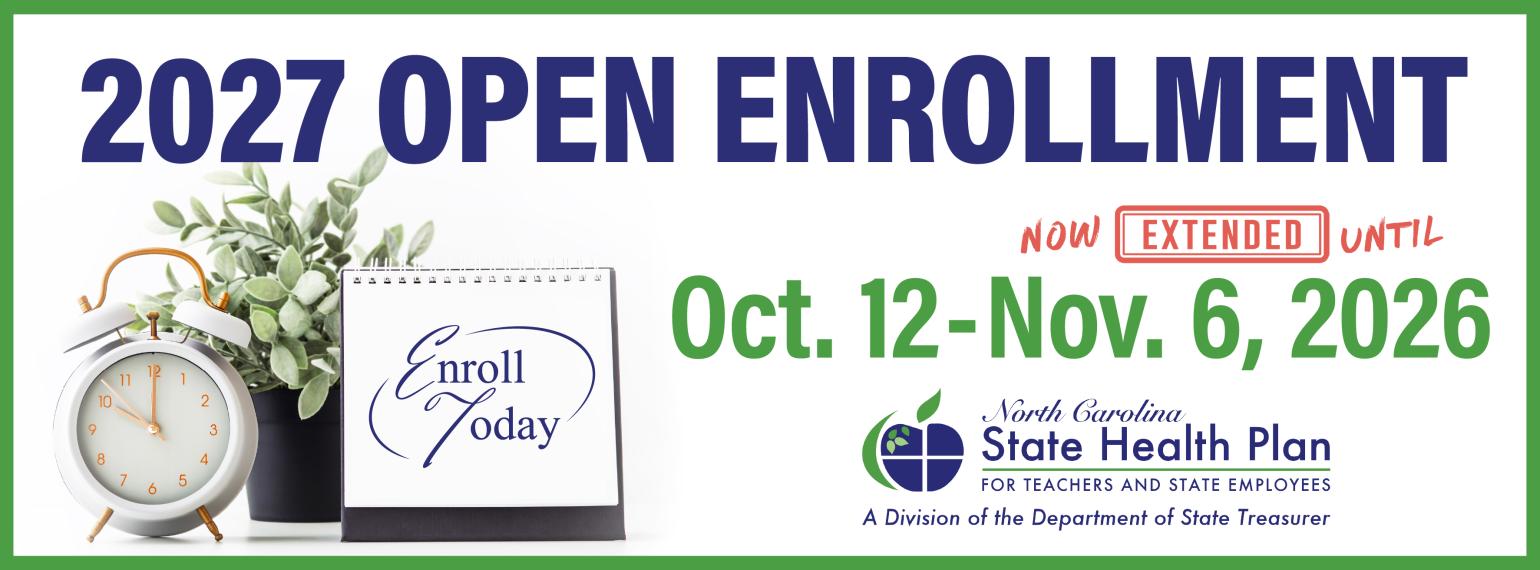
- State Health Plan 2027 Open Enrollment Extended to Nov. 6

State law requires submission of contributions and payroll reporting on or before the fifth business day of the month to be considered complete and avoid a penalty.
Both contributions and payroll reporting must be submitted by the employer on or before the fifth business day of the month to be considered complete and avoid a penalty. Employee and employer contributions and payroll reporting are not considered submitted until the Retirement Systems Division receives all required information.
The schedule for Contribution Summary Instructions (CSI) Contributions for 2027 is now available. It can be located, along with the remaining 2026 schedule, posted on myNCRetirement.gov.
| Reporting Cycle: | Submit By: |
|---|---|
| December 2026 | Friday, January 8, 2027 |
| January 2027 | Friday, February 5, 2027 |
| February 2027 | Friday, March 5, 2027 |
| March 2027 | Wednesday, April 7, 2027 |
| April 2027 | Friday, May 7, 2027 |
| May 2027 | Monday, June 7, 2027 |
| June 2027 | Thursday, July 8, 2027 |
| July 2027 | Friday, August 6, 2027 |
| August 2027 | Wednesday, September 8, 2027 |
| September 2027 | Thursday, October 7, 2027 |
| October 2027 | Friday, November 5, 2027 |
| November 2027 | Tuesday, December 7, 2027 |
| December 2027 | Monday, January 10, 2028 |
Timely Reporting and Invoice Payments
To maintain correct information, it is important to take time to correct errors in ORBIT. Please respond to your Employer Reporting Team representative promptly so that any issues can be addressed and necessary adjustments can be processed as soon as possible.

Supplemental Benefits and Services for Retirees, Spouses, Eligible Children
The open enrollment period has been extended through Nov. 6 for Retirement Systems members to sign up for their choice of 2027 supplemental insurance benefits offered to them through voluntary participation. Those already enrolled will be automatically renewed for the upcoming year, but should review existing benefits to determine if they want to add, drop or change a benefit. The registration period runs through Nov. 6 and retirees can choose from:
- NEW! Whole Life Insurance with Long-Term Care
- United Healthcare Dental Insurance
- United Healthcare Vision Insurance
- Norton LifeLock Identity Theft Protection
For more details and to find dates for upcoming informational sessions go to ncretiree.com

Establish Freedom in Retirement with 401(k), 457 Plans
October is National Retirement Security Month, and if you haven’t developed your strategy to build sound and stable retirement income, there is no time like the present. The National Association of Government Defined Contribution Administrators designates every October as National Retirement Security Month. The North Carolina Retirement Systems has launched a monthlong Freedom in Retirement campaign to do its part in raising awareness among employees about the importance of saving for future retirement income. To learn more about voluntary participation in the NC 401(k) and NC 457 retirement products offered through the Retirement Systems’ Supplemental Retirement Plans visit our website.

Important Reminder: Future Pay Periods Are Not Reportable
Employers are reminded that only applicable, reportable pay periods should be included in submitted reports.
Please ensure all reports exclude future pay periods to prevent reporting errors, unnecessary corrections, and additional processing for your account manager.
Addressing Forms Properly Eliminates Unnecessary Delays
- Only Employer Reporting Forms (ex. Forms ERRWK, 316, CONCHG, 717 & 641) can be sent to Orbit Employer Reporting by email OER@nctreasurer.gov or fax (919) 855-5801.
- All other forms must be sent to Member Maintenance memberrecords@nctreasurer.gov. Contact Member Services by phone (919) 814-4590 or email nc.retirement@nctreasurer.gov for status and/or questions.
Please do not send forms to more than (1) one email because that creates duplicates that will delay processing of everyone’s forms. For the same reason, send only by one method (for example, if emailed, never mail or fax it also).
Please only send completed pages of forms. Do not send blank pages or instructions pages.
Be Sure to Include All Required Information when Reporting Re-Hired Retirees
Employers must report all re-hired retirees to the Retirement Systems Division each month. These re-hired retirees should be reported in ORBIT along with the rest of the ORBIT payroll report. Be sure they include the appropriate pay period, pay type, plan code, salary and all other applicable fields.
The report must be received by the Retirement Systems Division within 90 days of the end of each month in which a retiree is re-employed. Otherwise, the Retirement Systems Division is required to charge a penalty of 10% of the compensation of the re-employed retiree during the months the employer did not report the re-employed retiree, with a minimum penalty of $25.
The Retirement Systems Division developed Worksheet ESRR (Re-Employment Worksheet for Retirees Returning to Work) to assist employers and employees who re-enter employment as a re-hired retiree.
To avoid a potential penalty, we ask the employer to:
- Report any known re-hired retirees who may be subject to the earnable allowance to the Retirement Systems Division through ORBIT.
To help employers report all re-hired retirees and avoid a potential penalty, the Retirement Systems Division created a tool in ORBIT to help employers track employees who are returning to work. This tool was designed to assist you in verifying which of your employees are retired and have returned to work, so you will know which re-hired retirees to report to the Retirement Systems Division.
To use this tool, sign in to ORBIT and:
- Access the ORBIT Employer website. Under “Reporting,” click on “Check Retired Status.”
- On a monthly basis, upload a list of employee Social Security numbers.
- Adjust rehired retiree information, if needed, under the “Check Retired Status” heading.
Your employee list will be compared to the Retirement Systems Division retiree list to generate a report of members who are actively receiving a benefit from TSERS.
Employers: Meet Your Timeline to Submit New Hires’ Beneficiaries in ORBIT
One of the most important steps new employees can take is to name a beneficiary in their ORBIT account. That ensures benefits are distributed according to their wishes in the event of their death. To help foster the peace of mind that process provides, employers serve an essential role in following prescribed timelines.
We ask that employers do not include the Form 2C Designating Beneficiary(ies) in hiring packets for new employees. That is critical because the Retirement Systems does not have a way to enter these designations or to retain the form information until the ORBIT account is established. For new hires who have never been a member of the retirement systems, this can take one to two pay cycles. After that time period, employees can log in, register their account and name beneficiaries for their eligible benefits online. Employees can also send in the form 2C.
We have created a one-page resource on our website for new hires. We recommend employers share this New Employees page with them. A best practice is to let new hires know that they should put a reminder on their calendars to designate beneficiaries once their ORBIT account is established.

Discover upcoming Retirement Systems webinars and events. Registration is required.

Open Enrollment is Underway, Open Enrollment Extended Until Nov. 6
Open Enrollment for 2027 benefits began Oct. 12 and has now been extended until Nov. 6, 2026! Click here to read the full announcement.
Reminder: All active members will be automatically enrolled into the Standard PPO Plan. If they would like to enroll in the Plus PPO Plan or would like to make a change to dependents, they will need to TAKE ACTION during Open Enrollment.
Here are some tips to assist you and your employees.
• Print or email this UPDATED flyer to help promote Open Enrollment to your employees.
• Send out an email blast to your employees this week to make them aware that Open Enrollment is underway and ends NOVEMBER 6.
• Additional resources such as videos and Decision Guides are posted to the Plan’s website.
As a reminder, the Plan’s Eligibility and Enrollment Support Center has extended hours during Open Enrollment. Monday-Friday 8 a.m.-10 p.m. and on Saturdays 8 a.m.-5 p.m. 855-859-0966.
Please note that the Eligibility and Enrollment Support Center will not be open Saturday, Oct. 31, but regular hours will resume 8 a.m.-5 p.m. on Monday, Nov. 2.